
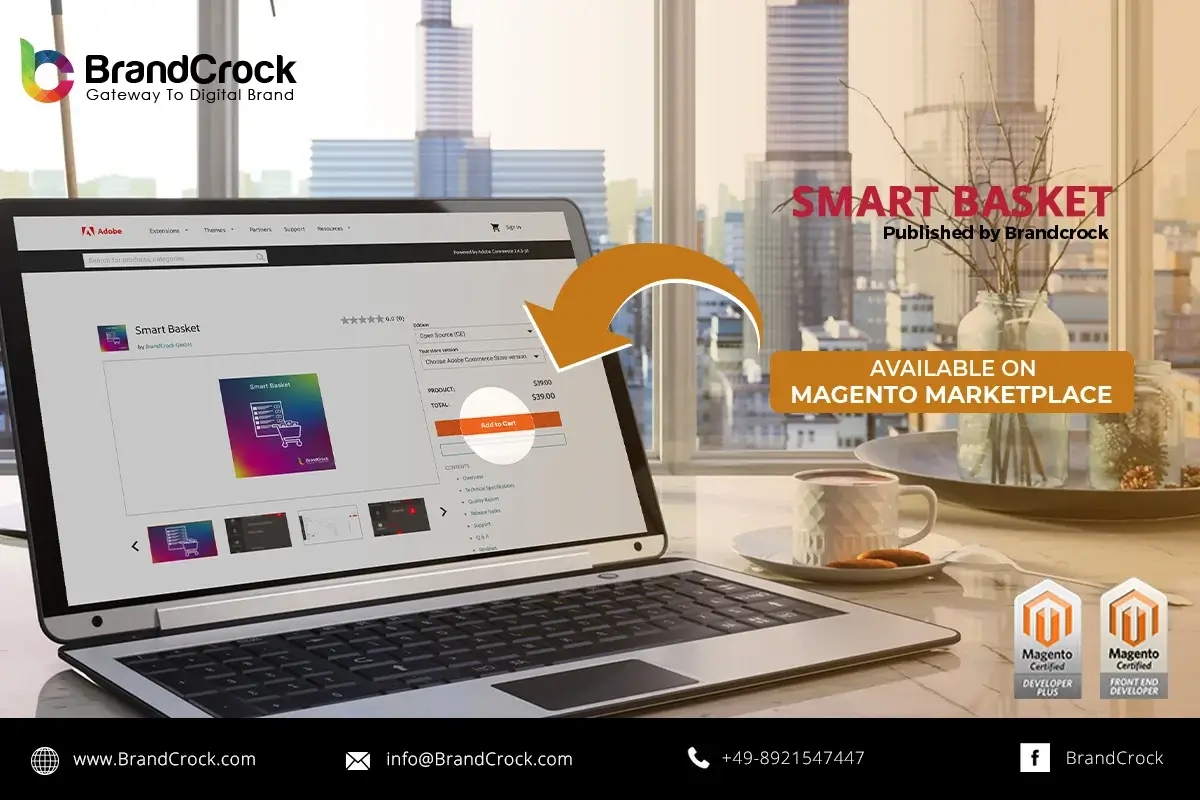
BrandCrock’s Smart Basket plugin lists registered end-users’ most purchased products under the Smart Basket tab in the main menu. This plugin allows customers to add their favorite products directly to their cart, at a discounted price, if available. The discounted price is applied only when they are added to the cart from the Smart Basket section. The Smart Basket offer products that have no order quantity limit and can add until stocks last. The Smart Basket products can be added to the cart along with the regular products in the shop
Features
- Easy installation and uninstallation of the plugin.
- Smart basket works as a zero-rupee/no-cost advertisement to sell your products
- Enable or disable the module based on your convenience.
- Option to set minimum purchase quantity for all products.
- Smart basket collects the products only with specific order status
- Price discounts can be added for each product based on a fixed value or percentage.
- Quick checkout advantage for end-users, thus saving time.
- Smart basket encourages buying for end-users and faster selling options for retailers.
How it Works
Install the extension through the terminal, and enable the extension either through the configuration settings in the shop backend. Login to your shop backend and navigate to Stores –> Configuration. Under BrandCrock, choose Smart Basket to view the general configuration settings. Enable the extension by choosing Yes, entering the minimum purchase quantity for a product, being eligible to pick the product for Smart Basket, and then selecting the order status based on which products will be picked. If no status is selected, products with any order status will be considered for the smart basket. Finally, click Save Config to save the settings. Next, implement the product configuration for each product. Choose any product of your choice that you wish to offer at a discount price when it gets added to the Smart Basket of the end-user. Add the discount type either fixed-value or percentage under product settings. Provide the value based on the discount, so that the discount price will be calculated. Save the settings to use the plugin.
Demo
Frontend | Backend (User Name: Smart_Basket | Password: smartbasket@123)
Link to download https://marketplace.magento.com/brandcrock-module-smartbasket.html
Please let us know about your reviews and feedback, if you require further assistance regarding this plugin or other Magento-related issues, just drop us an email or contact us. info@brandcrock.com
Please find more details about BrandCrock Magento Plugin development in the Magento Development section
