+49 (0) 89 2154 7447
Provenexpert
★★★★★
Google
★★★★★

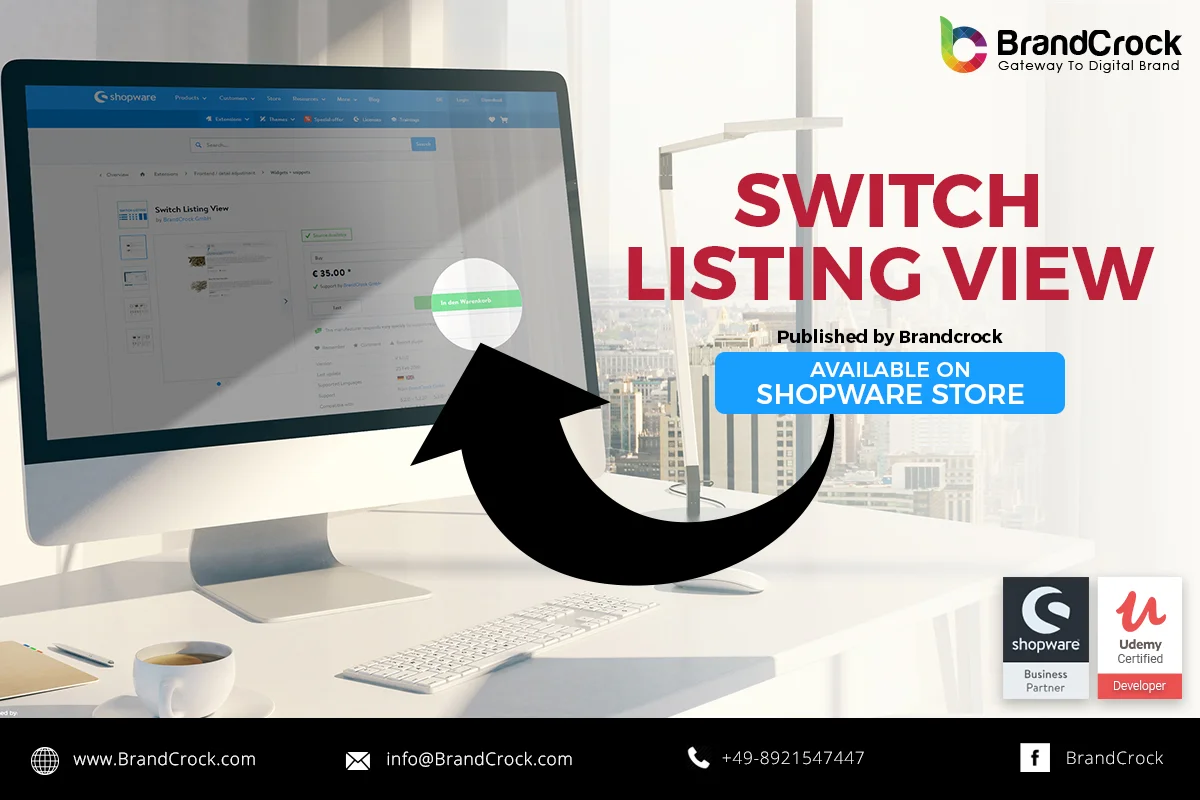
Shopware Plugin Switch Listing View

Switch Listing View Shopware Plugin | BrandCrock

Shopware Plugin Switch Listing View enables your product listing page to be viewed differently. Different listing view can be selected by clicking on the icons, available beside filter drop down menu.

  • List view
  • Minimal view

Link to download : https://store.shopware.com/en/brand23159554420/switch-listing-view.html

Please let us know about you reviews and feedback, if you require further assistance regarding this plugin or other Shopware related issues, just drop us an email or contact us. info@brandcrock.com

Please find more details about BrandCrock Shopware Plugin development on Shopware Plugin Development section.

More from our latest blogs

Shopware Plugin Show Article Stock level Bar

Show Article Stock level BarPlugin allows to displays indicator for an End Customers to notify

News Vaid Ali Jan 24, 2019

Shopware Plugin PDF Embedder TAB With Responsive

The Shopware plugin allows you to embed and view PDF files in an extra tab

News Mustafa Ali Jan 23, 2019

Shopware Plugin Product Accessories as Chain Products

Shopware plugin product accessories as chain Products  is used to add some quantity of articles

News Alan Bradford Jan 11, 2019

Shopware Plugin Shortcode variable Product Description

Do you want to use standard Product Names throughout your shop and do not want

News Mustafa Ali Dec 27, 2018
1 34 35 36 37 38 44
Scroll to Top