
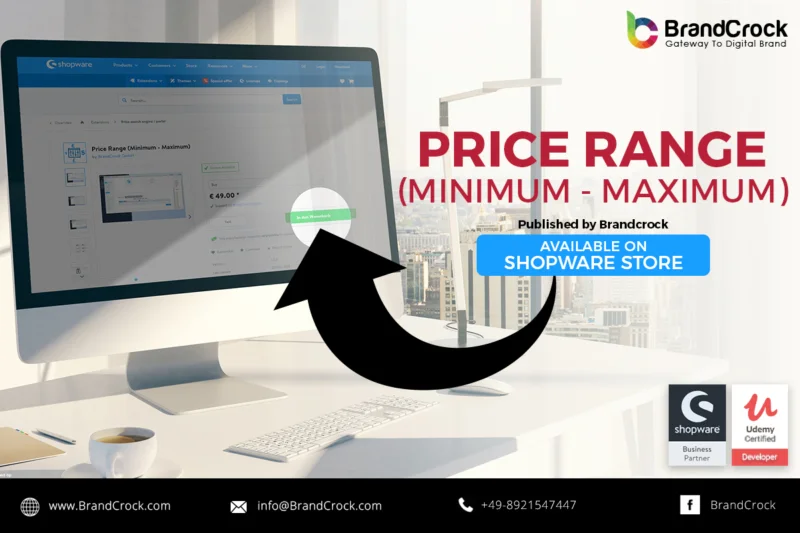
Shopware plugin Price Range is used to get the minimum and maximum prices of variant products. When Searching for a products,the Customers are not able to get the price ranges of Variant Products in listing page.For that the Customer need to open the Product and view the Prices. By avoiding that scenario, Price Range is used get the minimum and maximum prices of a product in listing entity page.We can also get the min and max prices of Article in details page.
To install the Price Range plugin Simply go to the Plugin Manager and upload the plugin. After uploading empty the caches, compile themes and reload the shopware backend.
Link to download https://store.shopware.com/en/brand44829969915/price-range-minimum-maximum.html
Please let us know about you reviews and feedback, if you require further assistance regarding this plugin or other Shopware related issues, just drop us an email or contact us. info@brandcrock.com
Please find more details about BrandCrock Shopware Plugin development on Shopware Plugin Development section.

 Alan Bradford
 Jul 11, 2018